

Workflow Builder
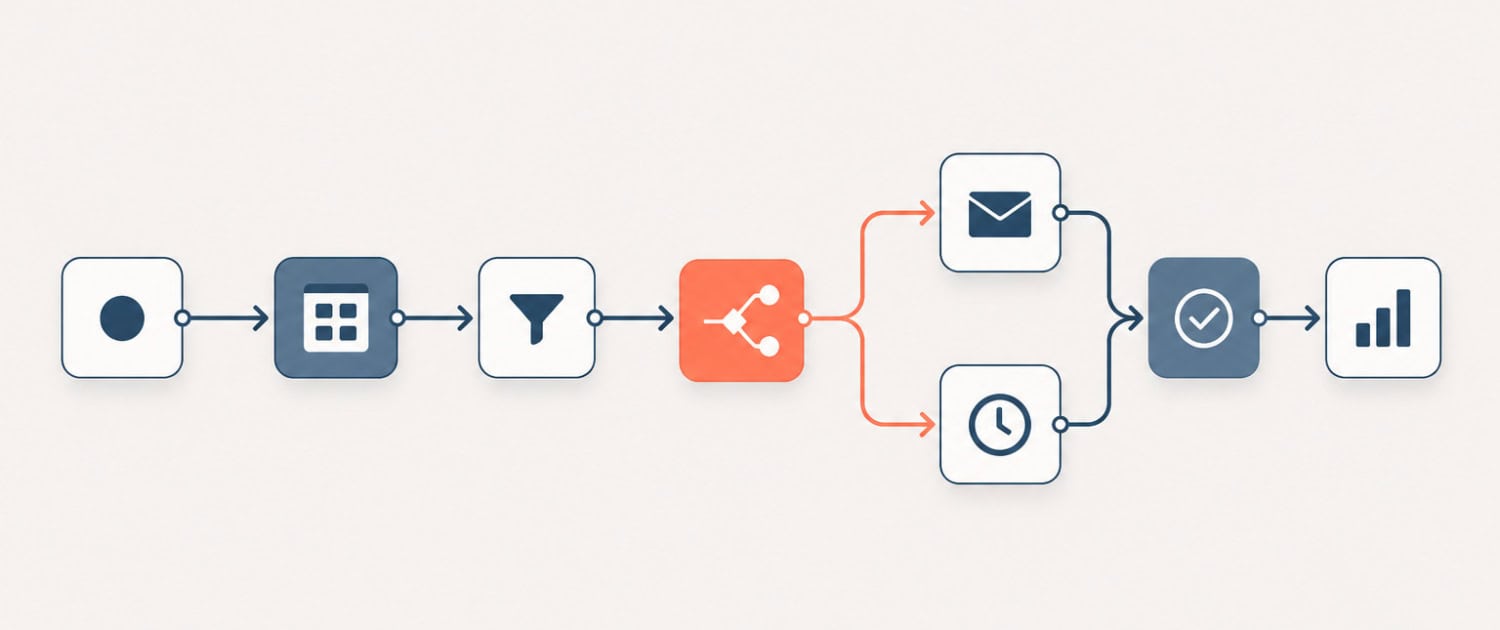
A software platform that enables users to design, automate, and connect multi-step processes across different applications without writing traditional code. Popular workflow builders include n8n, Make (formerly Integromat), and Zapier. In commercial real estate, these tools are used to automate tasks such as routing deal submissions to an underwriting model, sending lease expiration alerts, or syncing property data between systems. Workflow builders are distinct from AI agents in that they follow pre-defined logic, though many now incorporate AI steps within their workflows.
Putting Workflow Builder / Automation Platform in Context
A property management team uses a workflow builder to connect their tenant communication inbox, their Yardi database, and their internal Slack channel. When a tenant submits a maintenance request by email, the platform automatically logs the request in Yardi, assigns it to the appropriate vendor based on request type, and posts a notification to the facilities Slack channel, all without manual intervention. The same logic runs identically on every submission, eliminating the inconsistency and delay of a manual routing process.
Frequently Asked Questions about Workflow Builder / Automation Platform
What CRE tasks are best suited for a workflow builder?
Workflow builders perform best on tasks that are repetitive, rule-based, and involve moving data between two or more systems. In CRE, strong candidates include lease expiration alerts triggered from a property management system, deal intake forms that populate an underwriting tracker, investor distribution notifications generated from a closing event, and recurring rent roll exports formatted for a specific recipient. If the process follows the same logical steps every time and does not require judgment calls, it is a strong candidate for automation through a workflow builder.
How does a workflow builder differ from an AI agent?
A workflow builder executes a fixed sequence of steps defined in advance by the user. It follows the logic exactly as designed and does not adapt based on context or make decisions outside of the rules it was given. An AI agent, by contrast, can interpret ambiguous inputs, select from multiple possible actions, and adjust its approach based on what it encounters during a task. In practice, many CRE teams use workflow builders to handle the structured, predictable portions of a process and embed AI steps within those workflows to handle the parts that require interpretation or generation.
Which workflow builder platforms are most commonly used in CRE operations?
Zapier is the most widely adopted option among smaller teams and firms without technical staff, largely because of its large library of pre-built integrations and its straightforward interface. Make, formerly known as Integromat, offers more control over data handling and complex branching logic, making it a common choice for teams with more sophisticated workflows. n8n is an open-source platform favored by technically capable teams that want to self-host their automation infrastructure and avoid per-task pricing. The right choice depends on the complexity of the workflows, the technical capacity of the team, and the systems that need to be connected.
What are the risks of relying on workflow builders for critical CRE processes?
Workflow builders can fail silently when an upstream system changes its data structure, an API connection is interrupted, or a step receives input it was not designed to handle. In a CRE context, this means a lease expiration alert may stop firing, a deal submission may go unrouted, or a data sync may fall out of step without anyone noticing immediately. Teams that automate critical processes should build in error notifications, logging, and periodic audits to confirm workflows are running as intended. Automating a broken process also simply produces broken results faster, so process design must be sound before automation is applied.
Do workflow builders require coding knowledge to implement in a CRE firm?
Most major workflow builder platforms are designed for non-technical users and rely on visual drag-and-drop interfaces with pre-built connectors to common software tools. A CRE operations professional comfortable with spreadsheets and logic-based thinking can typically build and maintain straightforward workflows without writing any code. More complex workflows involving custom API calls, conditional branching across many steps, or data transformation may benefit from some technical support, but the baseline capability is accessible to most operations and asset management teams without a dedicated developer.
Click here to get this CRE Glossary in an eBook (PDF) format.