

Connector
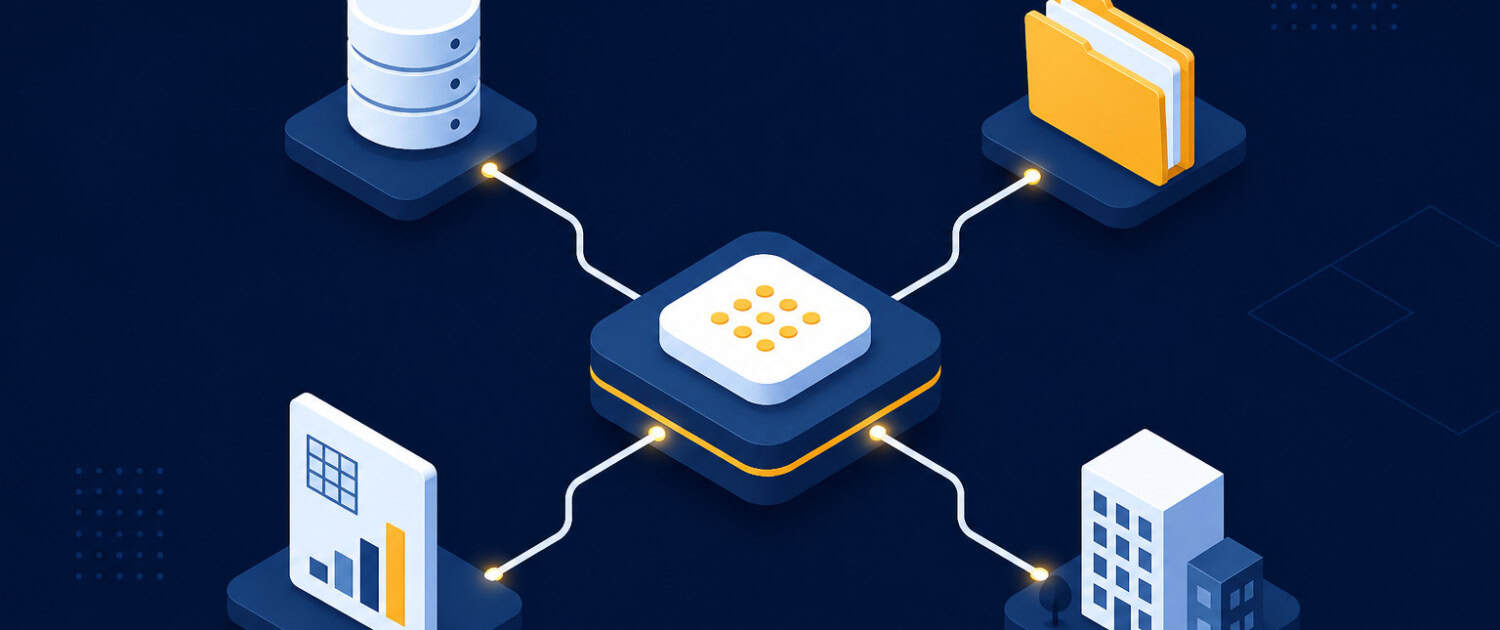
A pre-built integration that links an AI model or automation platform to an external application, data source, or service without requiring custom code. Connectors are the building blocks of workflow automation tools such as n8n, Make, and Zapier, as well as AI platforms that support the Model Context Protocol (MCP). In commercial real estate, a connector might link an AI assistant to a property management system, a financial modeling tool, a market data provider, or a document storage platform, allowing the AI to read, write, and act on data across those systems as part of a single workflow.
Putting Connector in Context
An acquisitions team uses a connector to link their AI assistant to Yardi and a market data provider, allowing the assistant to pull current rent rolls and comparable sales into a single underwriting conversation without any manual data entry.
Frequently Asked Questions about Connector
What CRE systems can be connected using a connector?
Connectors are available for a wide range of CRE-relevant systems, including property management platforms like Yardi and MRI, financial modeling tools like ARGUS, document storage systems like Google Drive and SharePoint, and market data providers. Most workflow automation platforms such as n8n, Make, and Zapier maintain libraries of hundreds of pre-built connectors, and AI platforms that support MCP can use connectors to reach those same systems.
What is the difference between a connector and a custom API integration?
A custom API integration requires a developer to write code that handles authentication, data formatting, error handling, and maintenance for each specific system. A connector is a pre-built version of that same integration, packaged and maintained by the platform provider so that a non-technical user can activate it without writing any code. For CRE teams without in-house developers, connectors are typically the more practical path to connecting their tools.
Do connectors require technical knowledge to set up?
Most connectors are designed to be configured through a visual interface without writing code. Setup typically involves authenticating the target system, such as logging in to Yardi or authorizing access to a Google Drive folder, and then mapping the data fields the workflow needs. Ongoing maintenance is generally handled by the platform provider when the target system updates its API.
What happens if a connector does not exist for the system I use?
If a pre-built connector is not available, most automation platforms offer a generic HTTP request module that allows a technically inclined user to connect to any system that has a public API. Some CRE software vendors also publish their own official connectors through platforms like Zapier. For proprietary or legacy systems with no API, a custom integration may still be required.
Are connectors secure enough to use with sensitive CRE financial data?
Reputable automation platforms use standard security practices including encrypted connections, OAuth-based authentication, and role-based access controls. Security also depends on how access credentials are stored and who has permission to modify the workflow. CRE teams handling investor data or proprietary financial models should review their platform’s data handling policies and limit each connector to only the data fields the workflow actually requires.
Click here to get this CRE Glossary in an eBook (PDF) format.